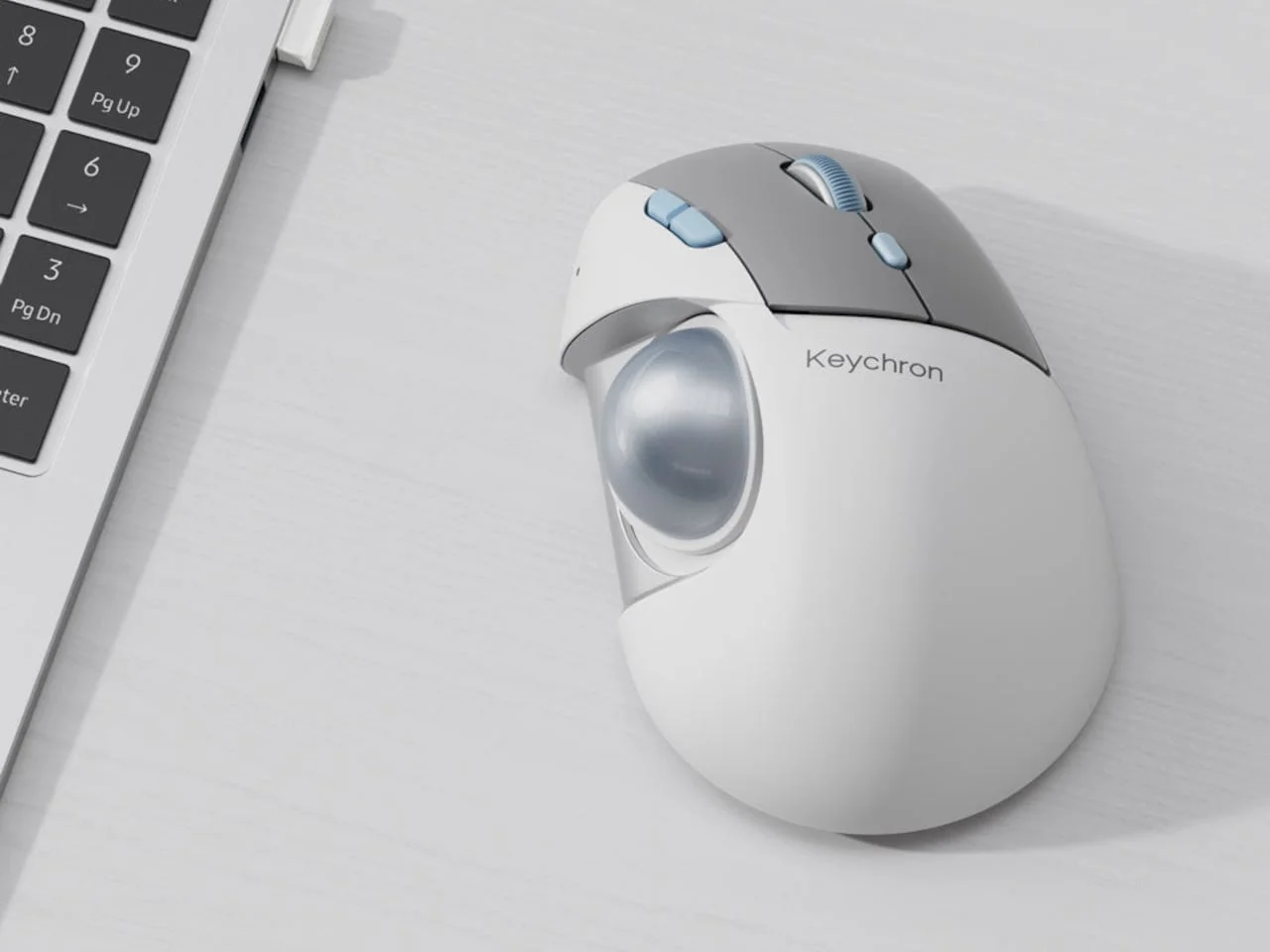
Keychron's T1 HE trackball lets you shift the ball toward your thumb and tune its magnetic switches, with a reported $59.99 international preorder price.
Why ball position matters more than you'd think
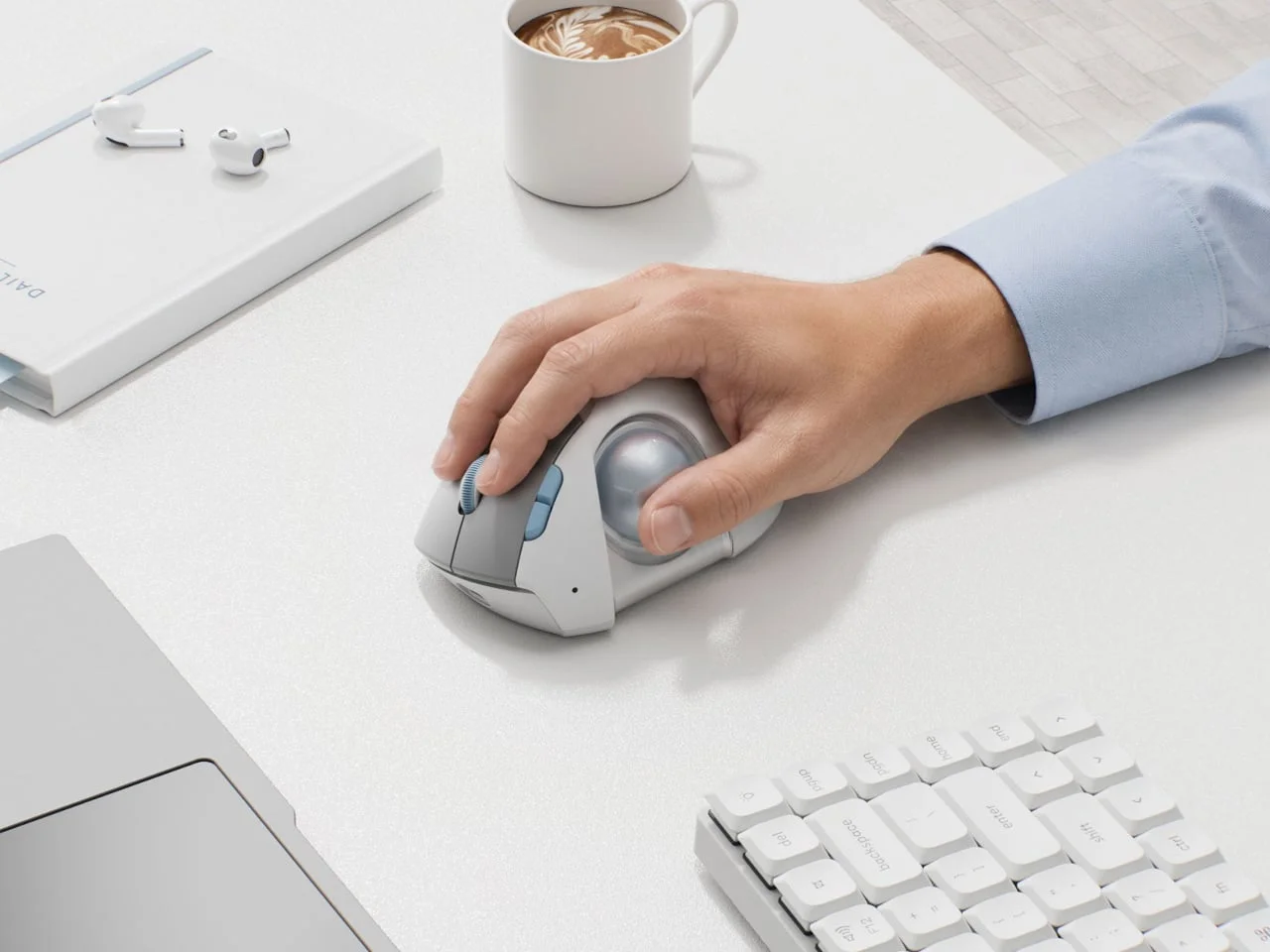
Most trackball frustration comes down to geometry. The ball sits where the designer put it, and if that spot lands a few millimeters away from where your thumb naturally rests, every session involves a small stretch. That stretch is easy to dismiss on day one. Over a full workday, it's the kind of friction that makes people give up on the format entirely. Keychron's upcoming T1 HE takes aim at that mismatch by letting you move the ball itself.
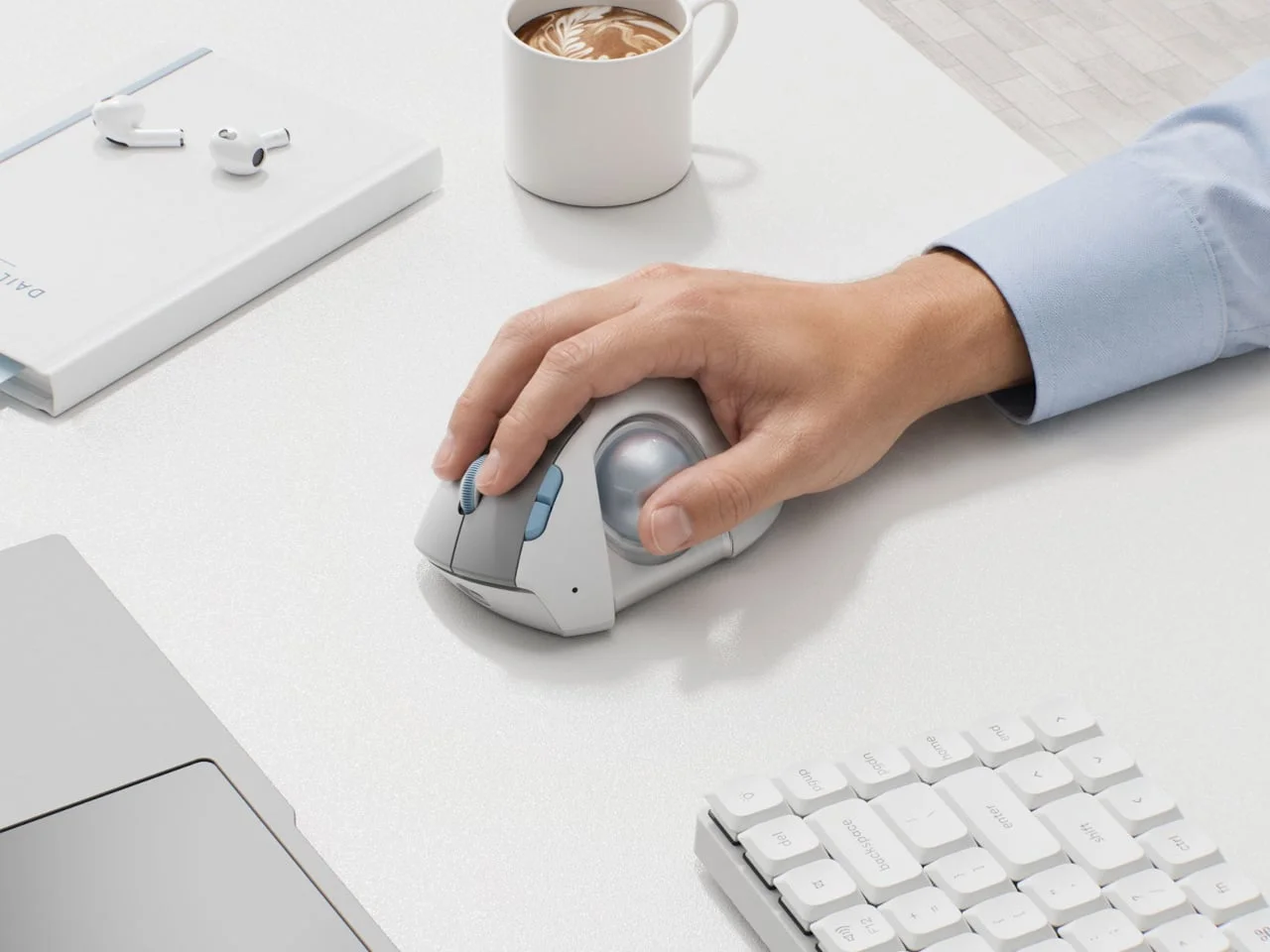
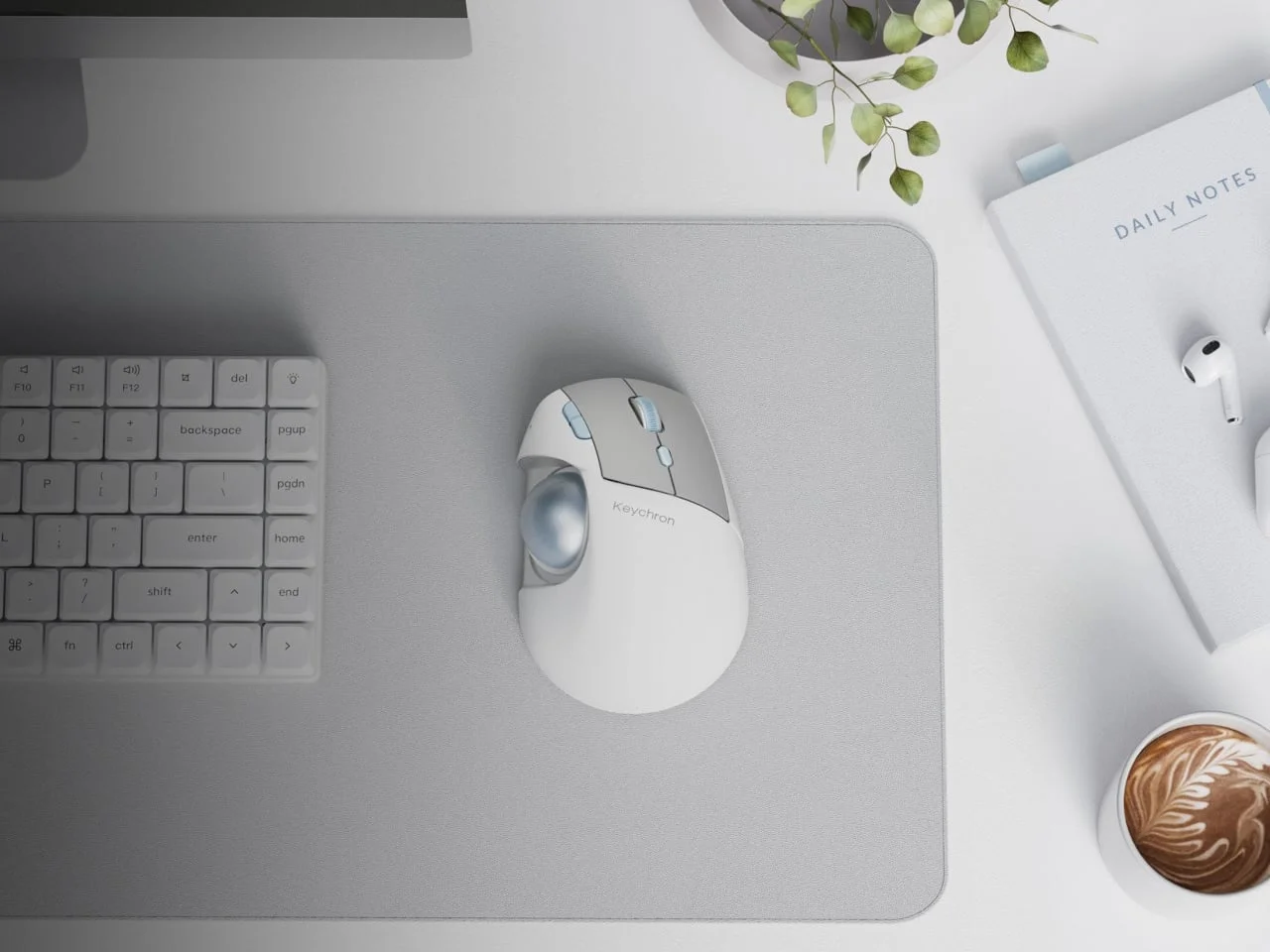
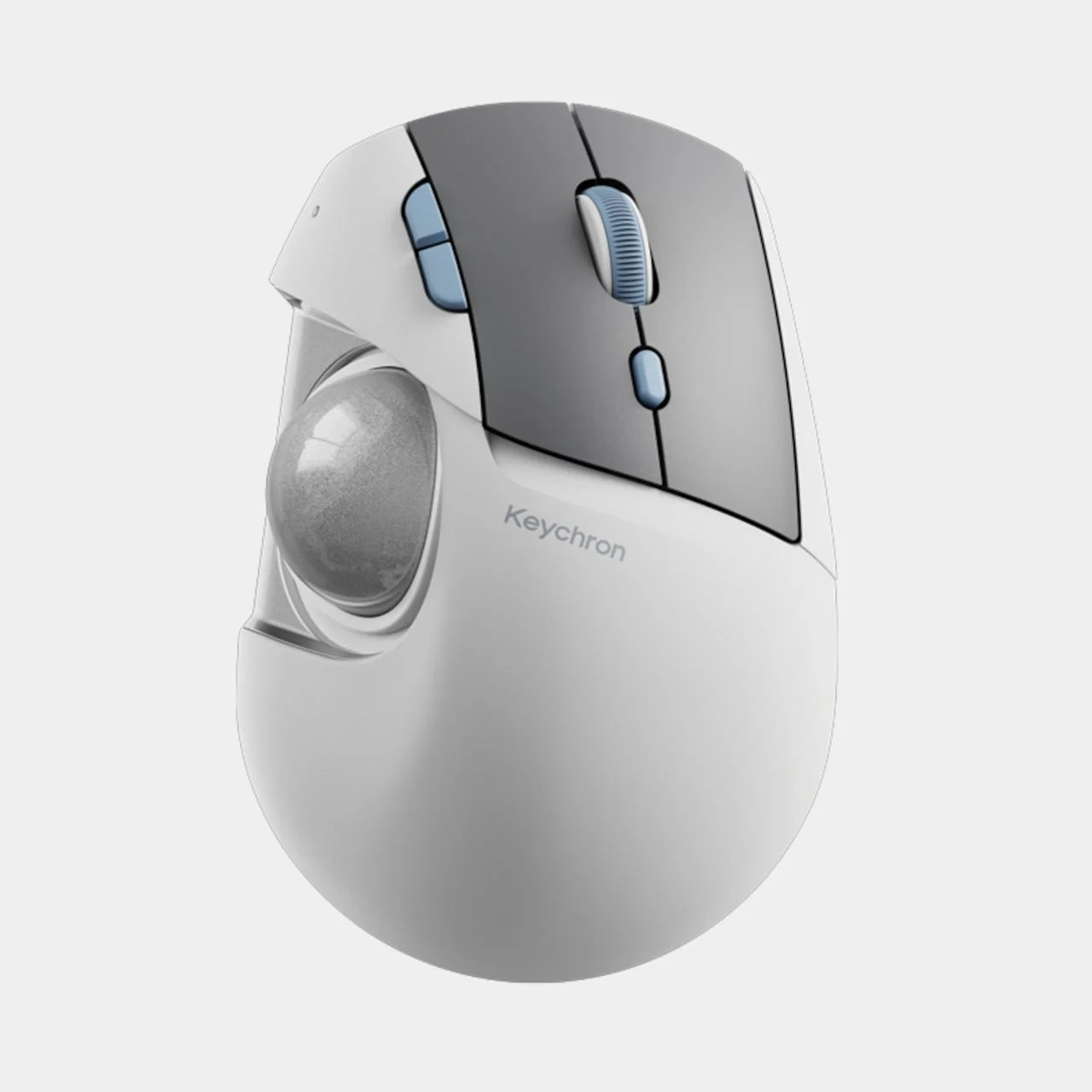
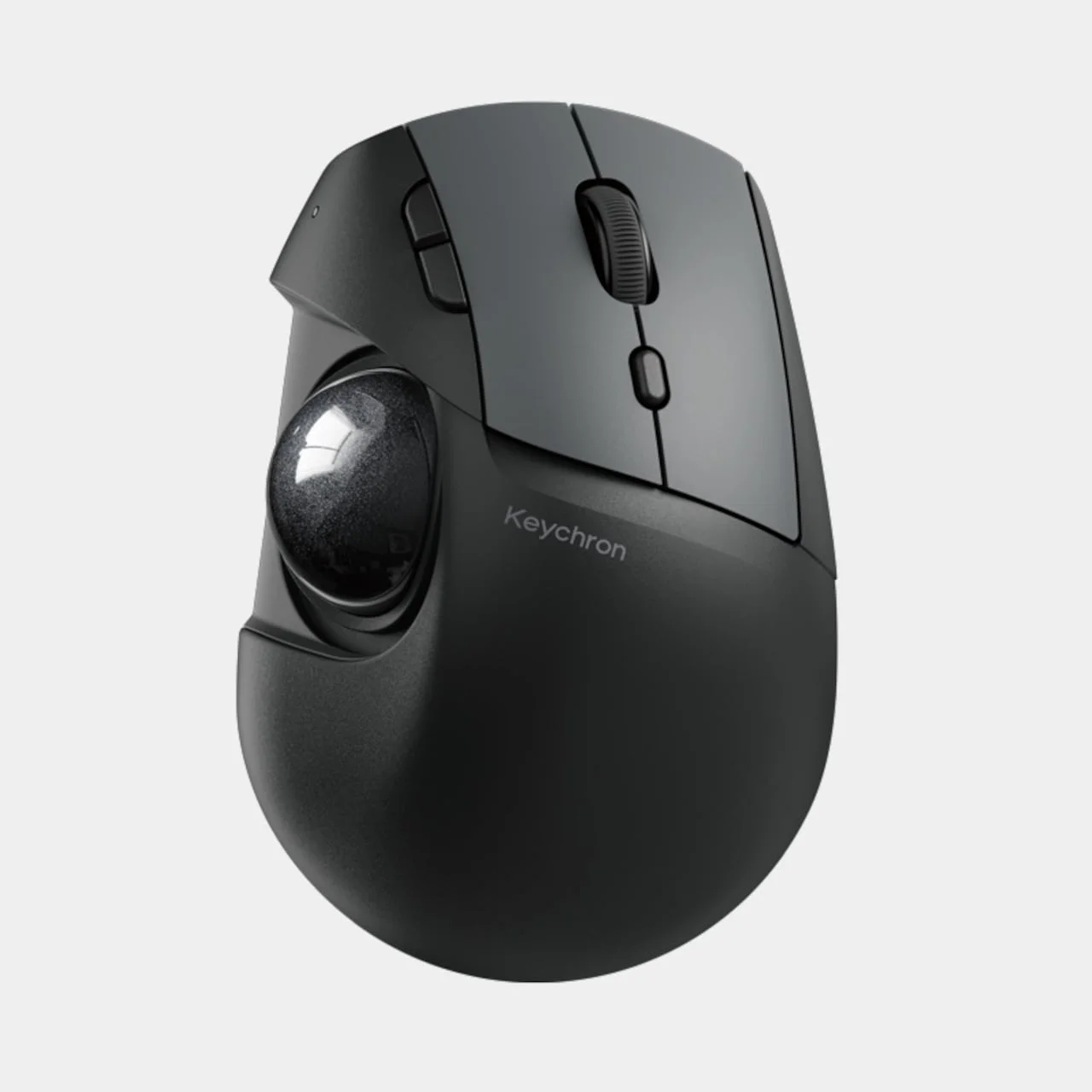
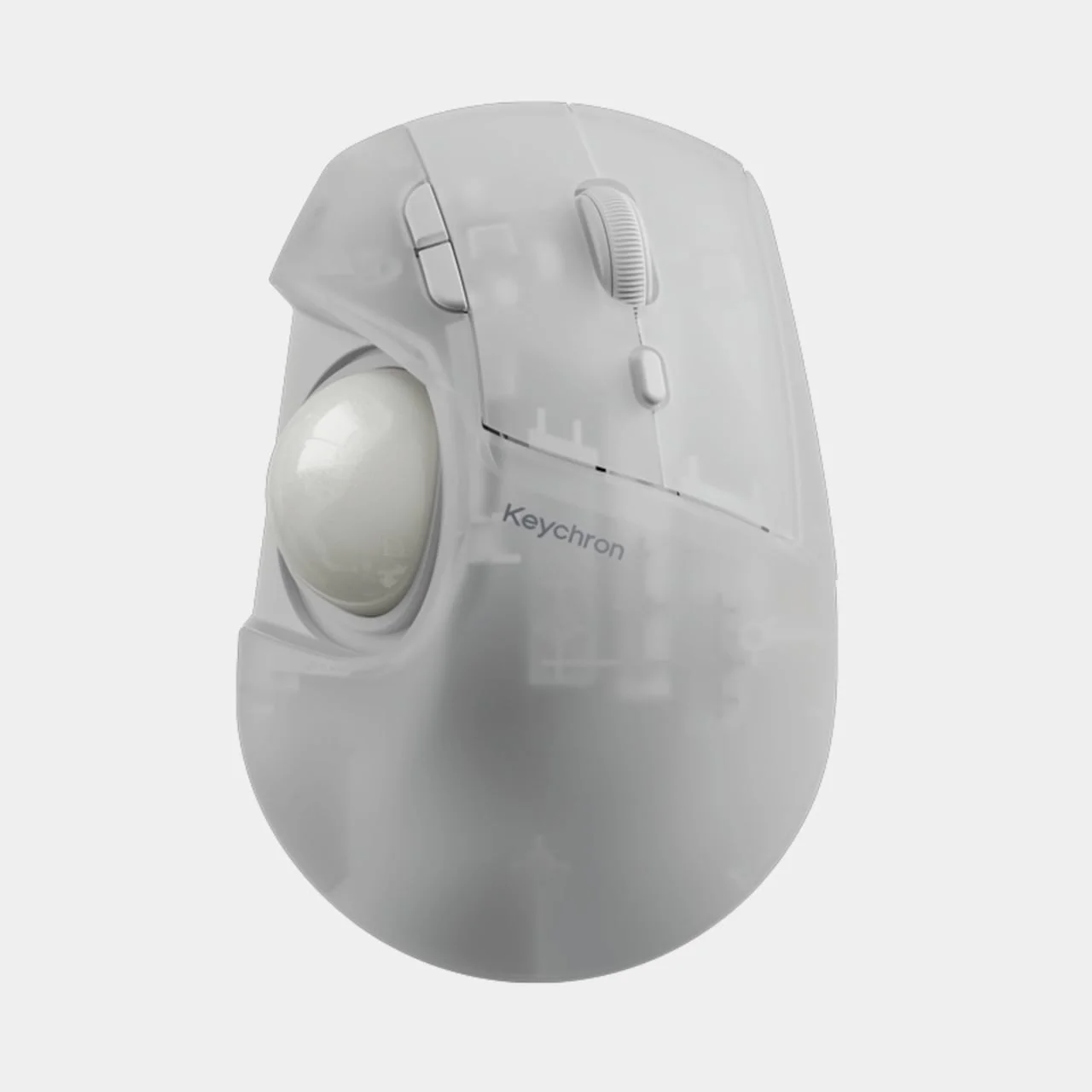
The egg-shaped body stays familiar, with a broad palm area, two main buttons, and a scroll wheel sitting above the ball. If you've used a thumb-operated trackball before, you already know the layout, and that's the point. Keychron didn't reinvent the shape. It changed one variable inside a known form. The white version pairs gray button panels with pale blue accents, while black and translucent finishes take the look in different directions. It's a right-handed design, so repositioning the ball helps your thumb without making the mouse any friendlier to your other hand. Left-handed users should look elsewhere, and I'd rather say that plainly than bury it.
Designer: Keychron
Moving the ball, not your hand
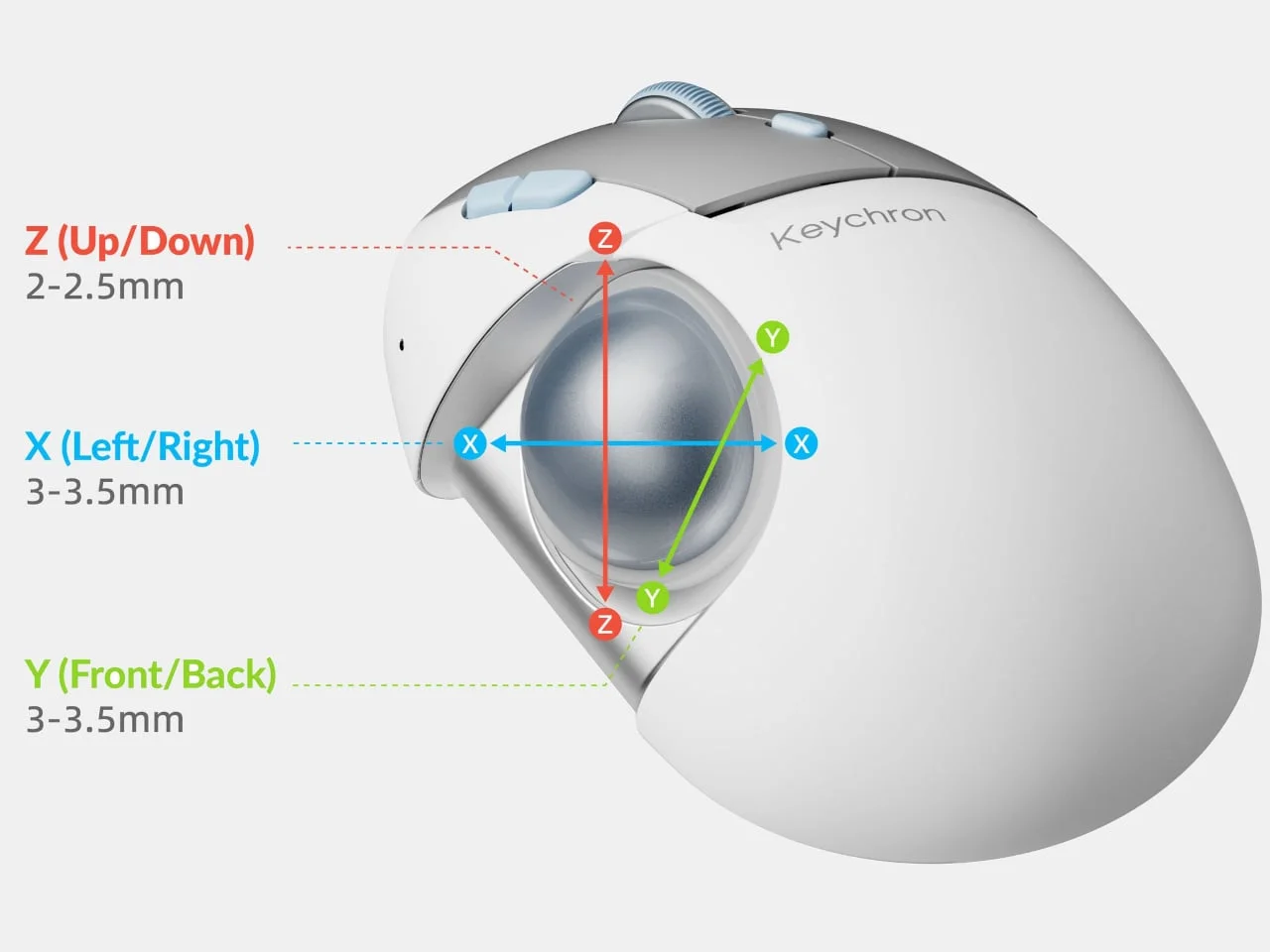
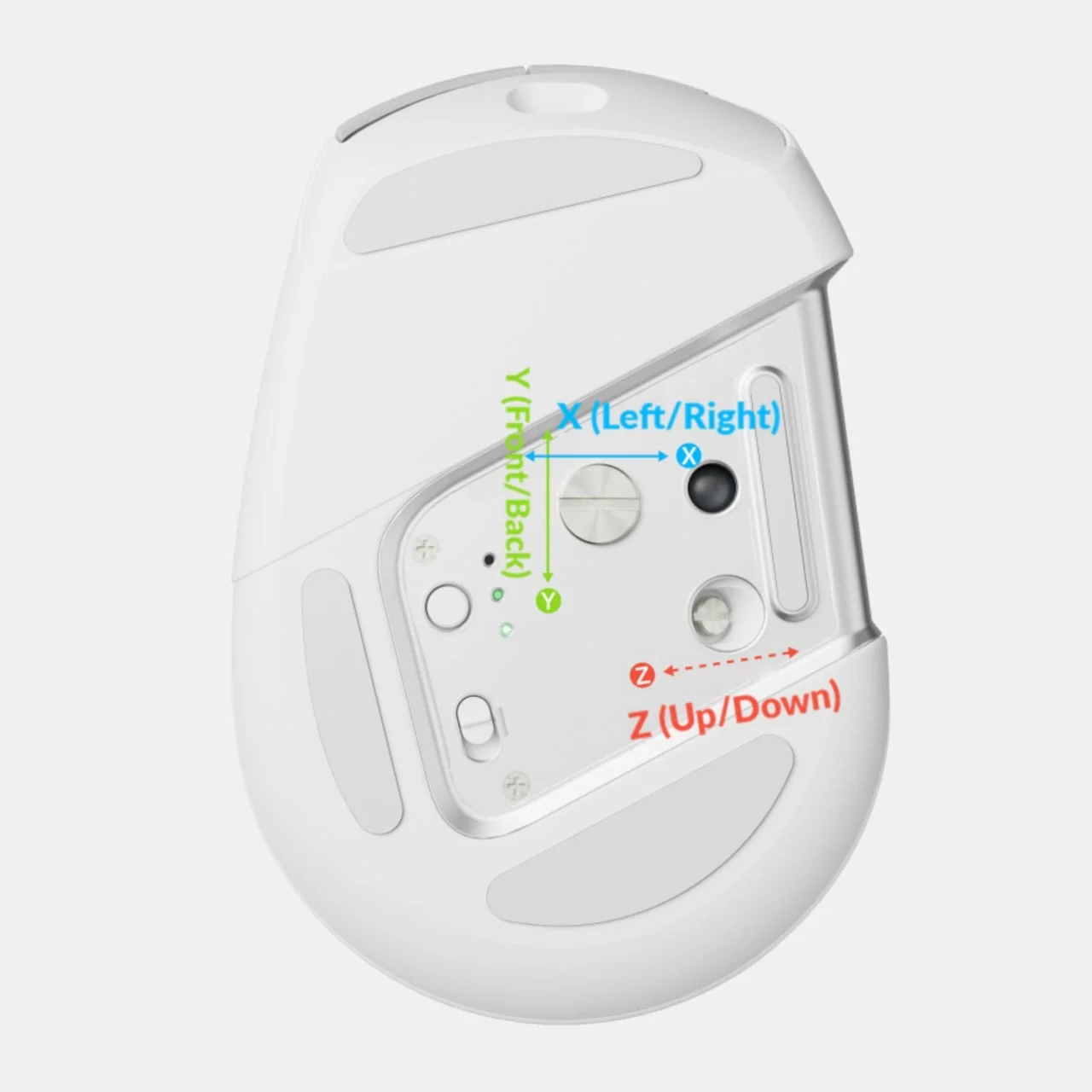
Adjusters on the underside shift the ball assembly sideways, forward and back, and up and down. Horizontal travel runs roughly 3mm to 3.5mm, and vertical travel runs 2mm to 2.5mm. Those numbers look modest on paper. But they target the right problem: bringing the 1.34-inch ball toward your thumb's resting position instead of asking you to reach across a fixed gap. Range like this is worth more than a bigger ball or a fancier shell, because the fit problem is usually measured in millimeters, not centimeters.
Once it's set, the mouse stays put while your thumb rolls the ball. On a crowded desk, that beats clearing space for a conventional mouse every time you need to move the pointer. Here's the thing: a trackball's whole appeal is that the hand stays anchored, and any adjustment that preserves that anchoring is doing its job. The ball also lifts out for cleaning, so you can reach the socket underneath without taking the whole housing apart. (And this is the part most people overlook: a trackball that gets gritty is a trackball you stop using, so easy cleaning is a real feature, not a footnote.)
Tuning the clicks
The buttons get their own adjustment through Keychron's MagOptic switches. Optical mode is one way to register a press. Magnetic mode offers 11 actuation settings and enables Rapid Trigger. In practical terms, you're deciding when a press registers and when it resets. Choose an earlier trigger point and the click registers sooner, all without swapping switches or opening the casing. Rapid Trigger, as a concept, lets a switch reset as soon as you ease off rather than waiting for a full release, which matters most during fast repeated clicks. I'd want to feel it under my own fingers before judging the benefit, because click feel is intensely personal.
Those settings live in Keychron Launcher, a browser-based tool that also handles button remapping, shortcuts, and macros. Onboard memory keeps your configuration with the mouse when you move between computers. That's the part I'd appreciate most: you set it once and stop thinking about it. The catch: configuration works over wired or 2.4 GHz, not Bluetooth. You can skip a dedicated desktop app, but you can't make every adjustment over every connection. You'll need a cable or the receiver whenever you want to change something, which is a small annoyance but a predictable one.
Connections and pricing
Connectivity covers the usual ground. Bluetooth can remember up to three devices, a 2.4 GHz receiver is available as a separate option, and wired USB-C works too. For a desktop and laptop setup, that means switching between machines without touching the hardware. Plugging in also lets you keep working while it charges, which matters when the battery dies halfway through a deadline. Wired use is the honest fallback here, and it's also the only way to be sure every setting is reachable.
Notebookcheck reports a $59.99 international preorder price, with shipping expected around the end of the month. Treat those as early figures. Preorder pricing often shifts once a product reaches retail, and shipping windows slip more often than launch pages admit. Adjustability is a strong starting point, but it can't tell you whether this mouse fits your hand. Still, if a fixed ball position is why your last trackball felt wrong, the T1 HE is worth testing before you write off the format.
What this means for the format
If you're working in this space, the interesting question isn't whether the T1 HE is good. It's whether adjustable ball placement becomes an expectation or stays a niche feature. Trackball makers have mostly competed on ball size, shell shape, and switch quality. Positioning is a different lever, and it suits people who've been told to just get used to a fixed layout. That said, I'd be cautious about reading too much into a single product. Adjustability adds parts, tolerances, and assembly complexity, and those tend to show up as wobble or play after months of use. The real test is whether the mechanism holds its setting over time, and no launch page can answer that for you.


Discussion
Sign in to join the discussion.