Lingering steam, new noises and recurring mould can point to poor extraction. Check airflow and cleanliness before replacing the fan.
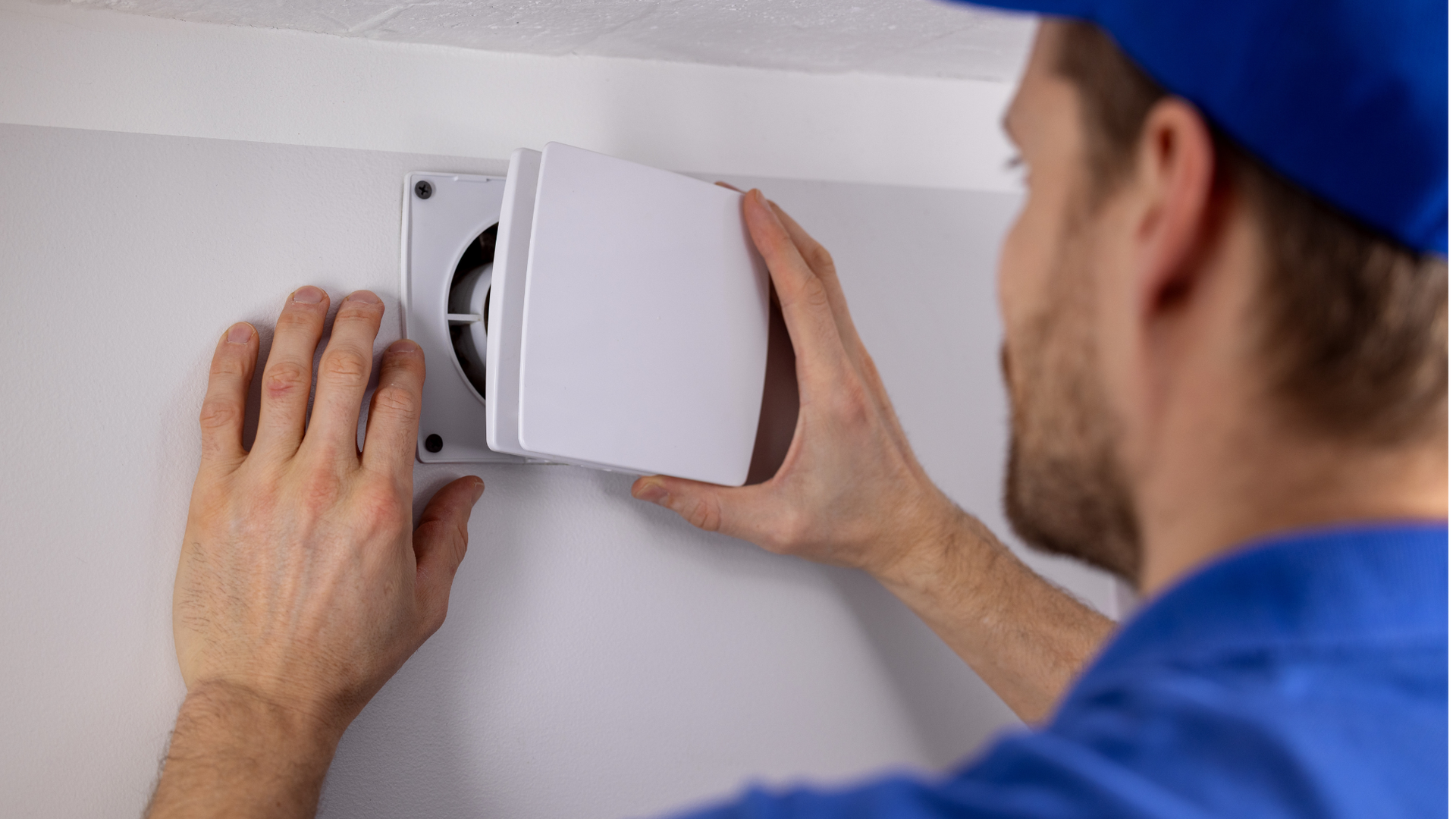
A bathroom extractor fan that can’t clear moisture effectively can leave a problem that spreads beyond the bathroom. Persistent condensation may lead to recurring mould on sealant, while damp air that reaches colder rooms can leave marks on walls elsewhere in the home. The fan’s job is to remove moisture at its source; when it falls short, the effects can turn up in places that seem unrelated.
Four visible clues can help identify poor performance. They don’t prove the fan needs replacing: dirt, incorrect installation or a unit that’s too small for the room can also reduce extraction. Look for patterns over time, rather than treating one fogged mirror or a single patch of mould as a diagnosis. The same symptoms can have several causes.
Steam lingers after a shower
If the mirror stays fogged and condensation runs down walls up to half an hour after a shower, the fan may not be clearing moisture properly, says Michael Zohouri, founder of Pyramid Eco. A bathroom’s steam has to travel through the fan and ducting before it can be expelled, so a blocked grille or installation problem can hinder the process. Check for dust behind the grille and whether the fan is correctly sized before deciding it needs an upgrade. A longer run time alone won’t solve poor airflow.
New rattles, buzzing or unreliable starts
Unfamiliar rattling or buzzing can point to worn motor parts or bearings, Zohouri says. A fan that takes longer to start or works intermittently is another reason to investigate its condition. Pay attention to changes: a new noise from a previously quiet fan is more telling than a sound you’ve always heard. Dust, a loose fitting or a failing component may all affect how it runs, so the noise is a reason to inspect the system rather than a verdict on which part has failed.
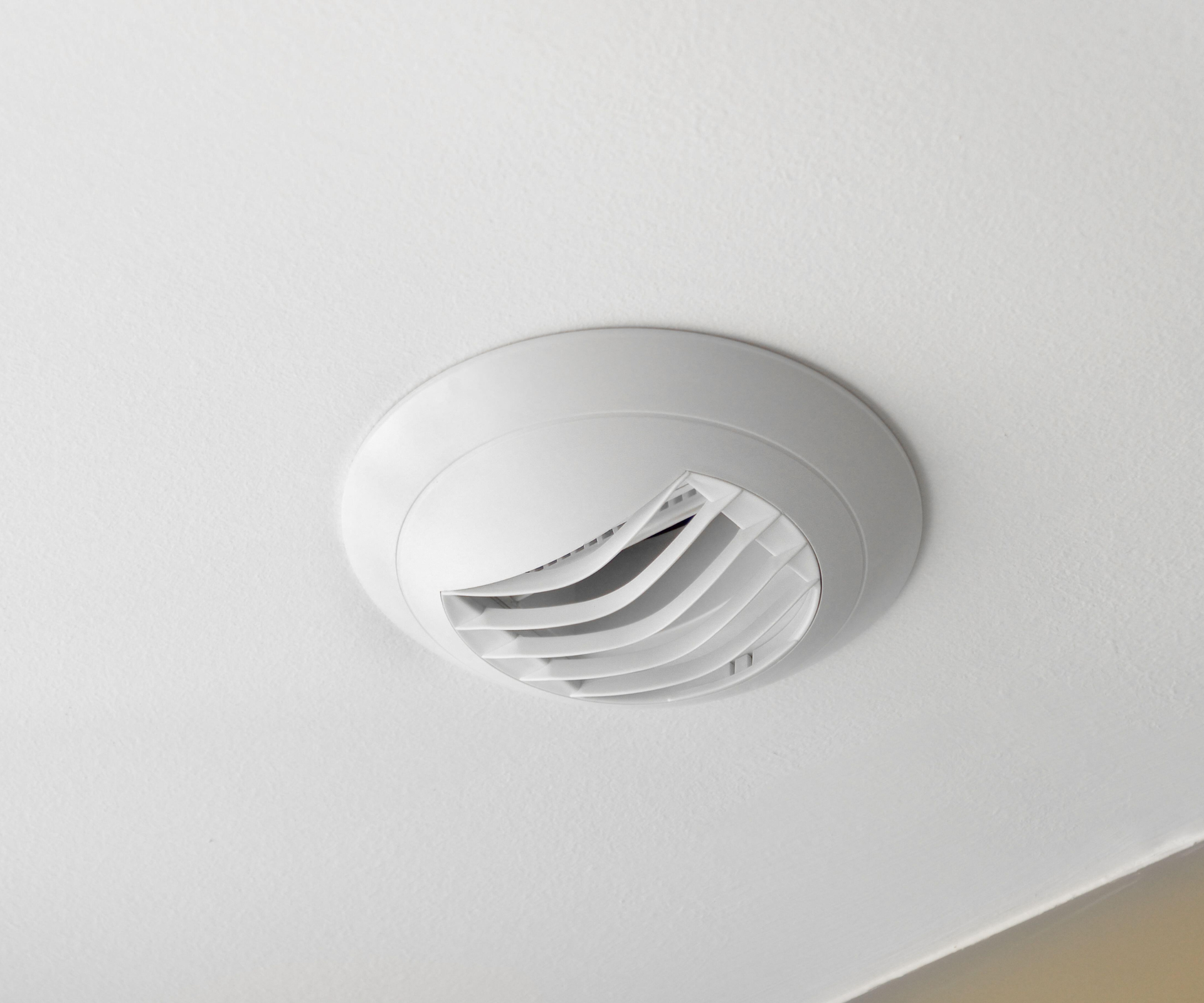
Mould keeps returning on sealant or walls
When water vapour settles on cooler surfaces, including walls, ceilings and windowsills, damp conditions can encourage mould. Recurring black spots on sealant or nearby surfaces may mean moisture isn’t being removed effectively, says Rob Stevens, Ventilation and HVAC Expert at Aspect. A recurring patch is useful evidence because it suggests the conditions that support mould are still present, even after cleaning.
Cleaning visible mould can help, but it won’t address the cause if the fan is failing to extract damp air. If the marks return, consider how long the bathroom stays damp after use and whether the fan is operating as expected. The surface shows where moisture has become visible; it doesn’t, by itself, identify the source.
A cloud of steam escapes through the door
Steam spilling out when you open the bathroom door suggests moist air has built up instead of being drawn outside, Stevens says. That humidity can settle on colder surfaces in other rooms, where damp patches or dark mould spots may appear. And this is the part most people overlook: signs outside the bathroom can still point back to moisture generated inside it.
One cloud of steam isn’t proof that the fan has failed; shower length, ventilation and how quickly the door is opened can affect what you see. But if steam regularly escapes and hangs in the room, it’s a sign to look at the whole route by which air is meant to leave. If you’re working out what’s wrong, note whether the fan is on during the shower and how long it keeps running afterwards.

Check the fan before replacing it
Start by cleaning the extractor. Dust can collect behind the grille, but isolate the power before removing any covers, and only clean parts the manufacturer says are safe to access, Zohouri advises. A clean grille is a sensible first check; it won’t tell you whether the fan is correctly installed or powerful enough for the room. Don’t reach into parts you can’t safely access.
For a quick airflow check, hold a sheet of toilet paper against the grille while the fan is running. If it barely pulls the paper, airflow may be weak. Zohouri cautions that this is only a preliminary check, not a formal airflow test. It can indicate that further inspection is needed, but it can’t measure extraction or explain what’s restricting it.
If the fan is clean and still performs poorly, consider asking a professional to inspect it. Persistent steam, mould or unusual noises are useful prompts to check the system; the next step is to confirm the cause before choosing a replacement. Here’s the thing: replacing a fan without checking its size and installation could leave the original problem in place.
Why the symptoms matter
These signs matter because they connect everyday observations to a broader question: is moisture actually leaving the home? Condensation, noise and mould each offer a different clue, but none settles the diagnosis alone. Taken together, repeated symptoms make a stronger case for checking the fan and its installation.
This is more significant than it looks. A fan that runs but moves too little air can create a false sense that the bathroom is ventilated, while dampness continues to build. That said, the evidence here points to checks, not an automatic replacement. What this means for you: watch how the room behaves after showers, clean safely, and get help if the signs persist.
Not every fan needs replacing. Sometimes the first answer is a blocked grille or a problem with the installation; sometimes the unit itself may be worn or unsuited to the room. The useful question is whether the cause has been identified before a new fan is chosen. A noisy fan, for instance. A clue, not a diagnosis.
Fans and products mentioned
Bathroom extractor fans we recommend
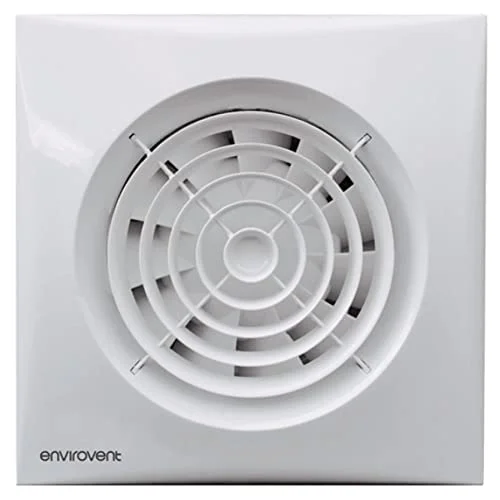 158mm x 158mm
Voted the best option in our buying guide, this fan can extract 26 litres per second and received a Quiet Mark award for its low noise.
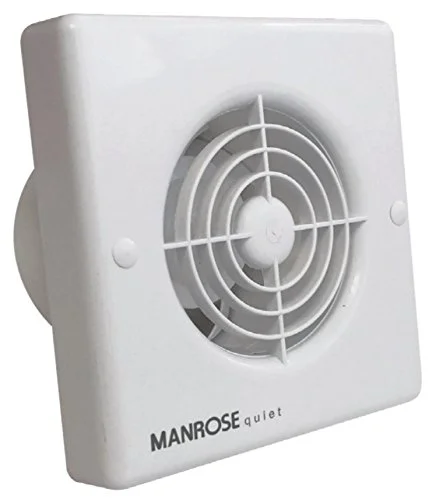 Energy Class A
Consuming just 4.8W, this energy-efficient fan is well worth considering and has an adjustable timer.
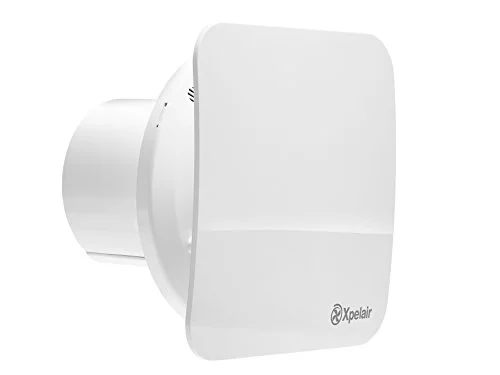 Sleek design
Another favourite of ours, this ultra-quiet extractor fan features a ‘twist-and-click’ system, which makes it a breeze to install.
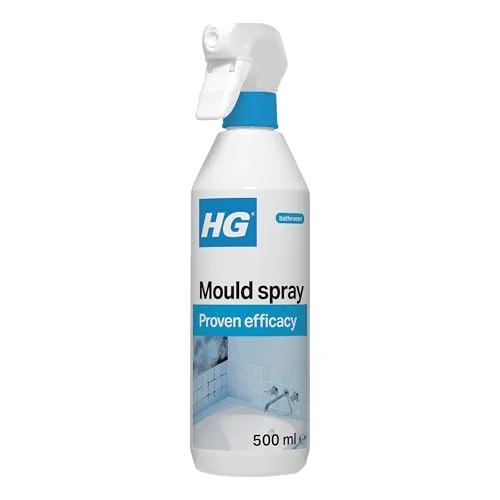
While addressing the root cause should be your main priority, this spray will banish mould and algae and help to prevent re-growth.


Discussion
Sign in to join the discussion.