ASUS's ProArt GR1X packs NVIDIA's RTX Spark, up to 128GB of shared memory, and four-display support into a 2-inch-tall Windows mini PC.
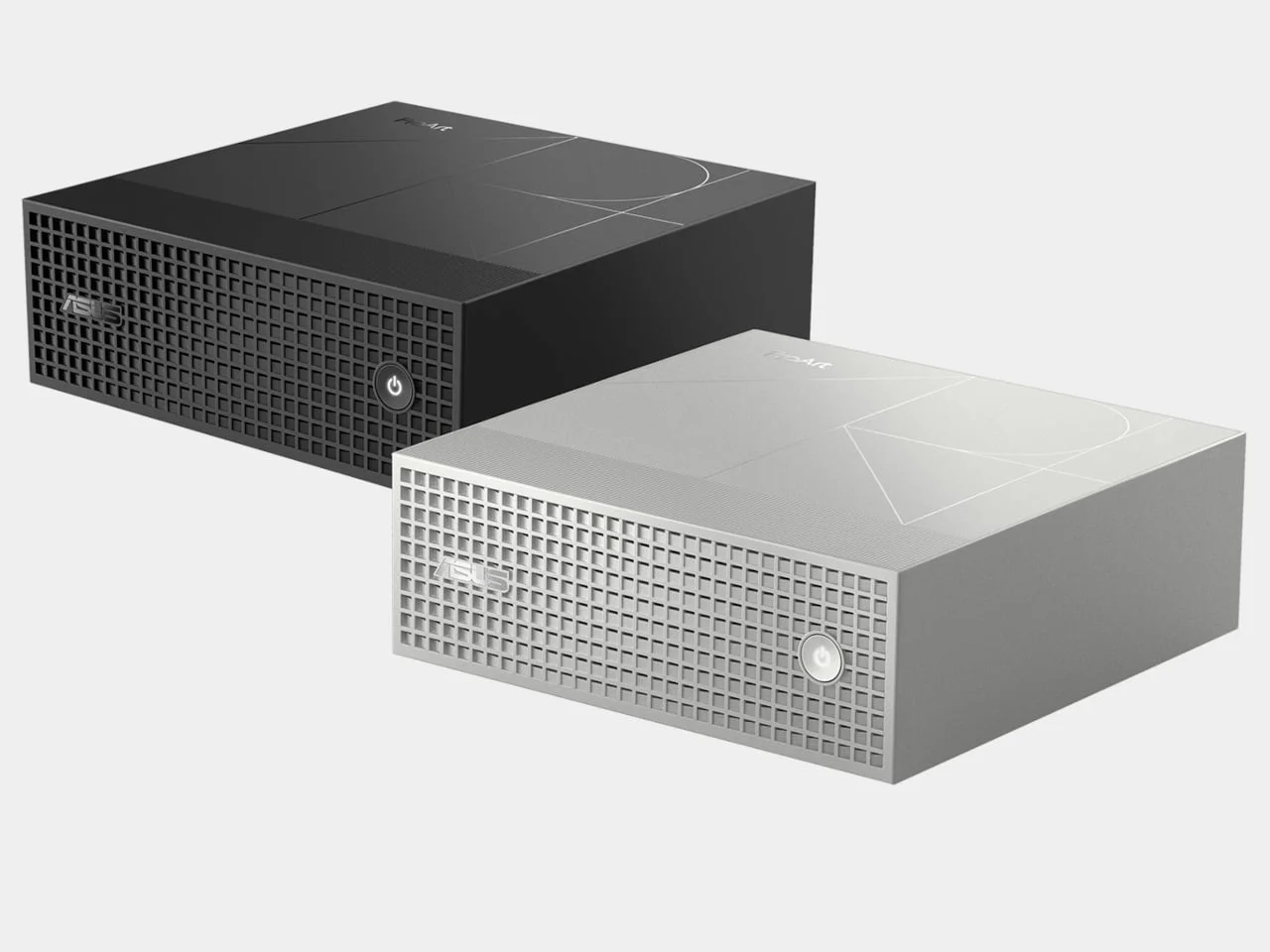
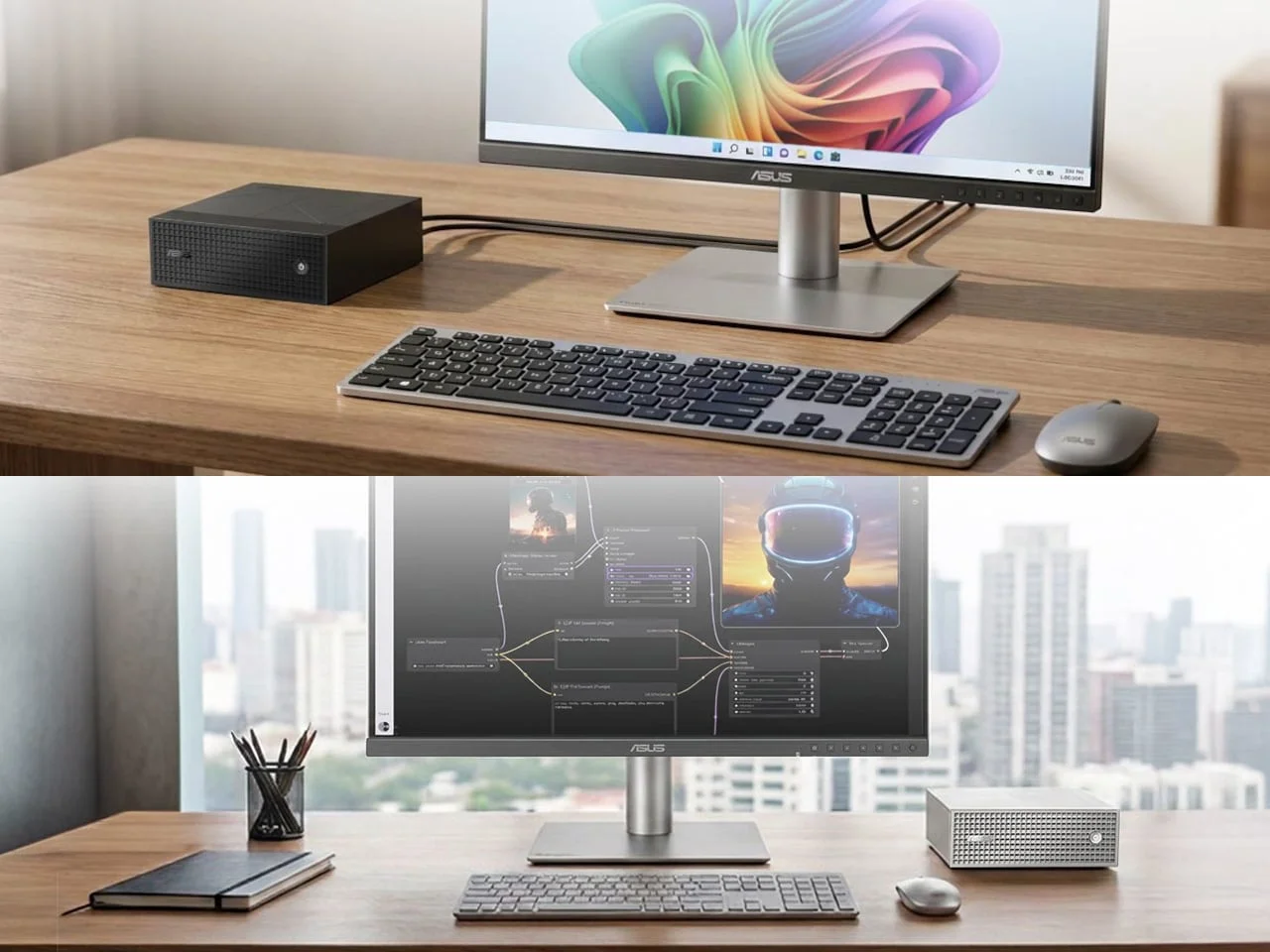
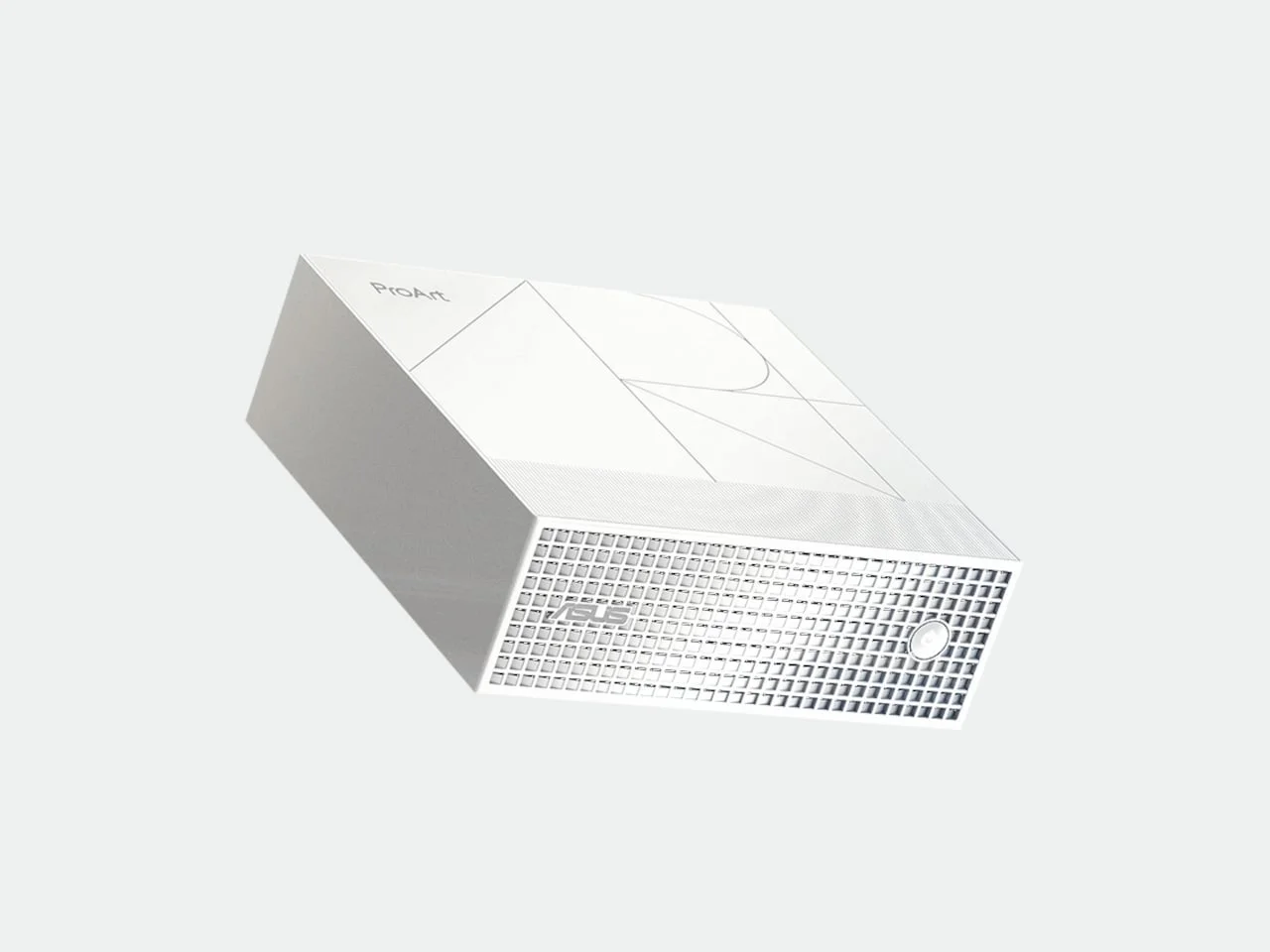
ASUS's ProArt GR1X looks like a hi-fi component, and that's the point. Behind the square grille sits a Windows mini PC built for local AI models and heavy creative work, without a tower taking over the desk. That's a pitch aimed at a specific buyer: someone who wants serious local horsepower but doesn't want a noisy box dominating the room. Small, on purpose. The real question is whether the compromises hold up once the work gets heavy.
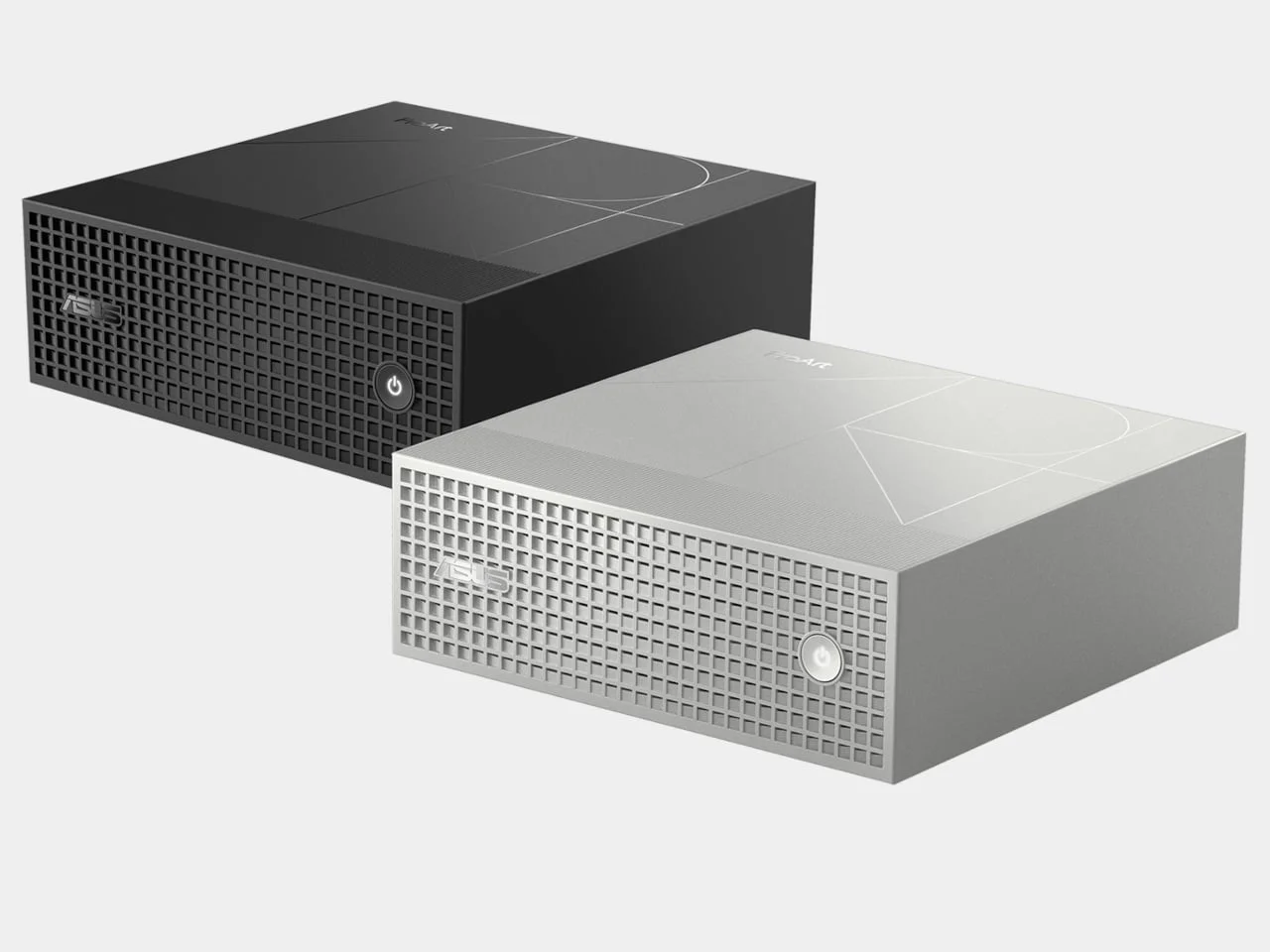
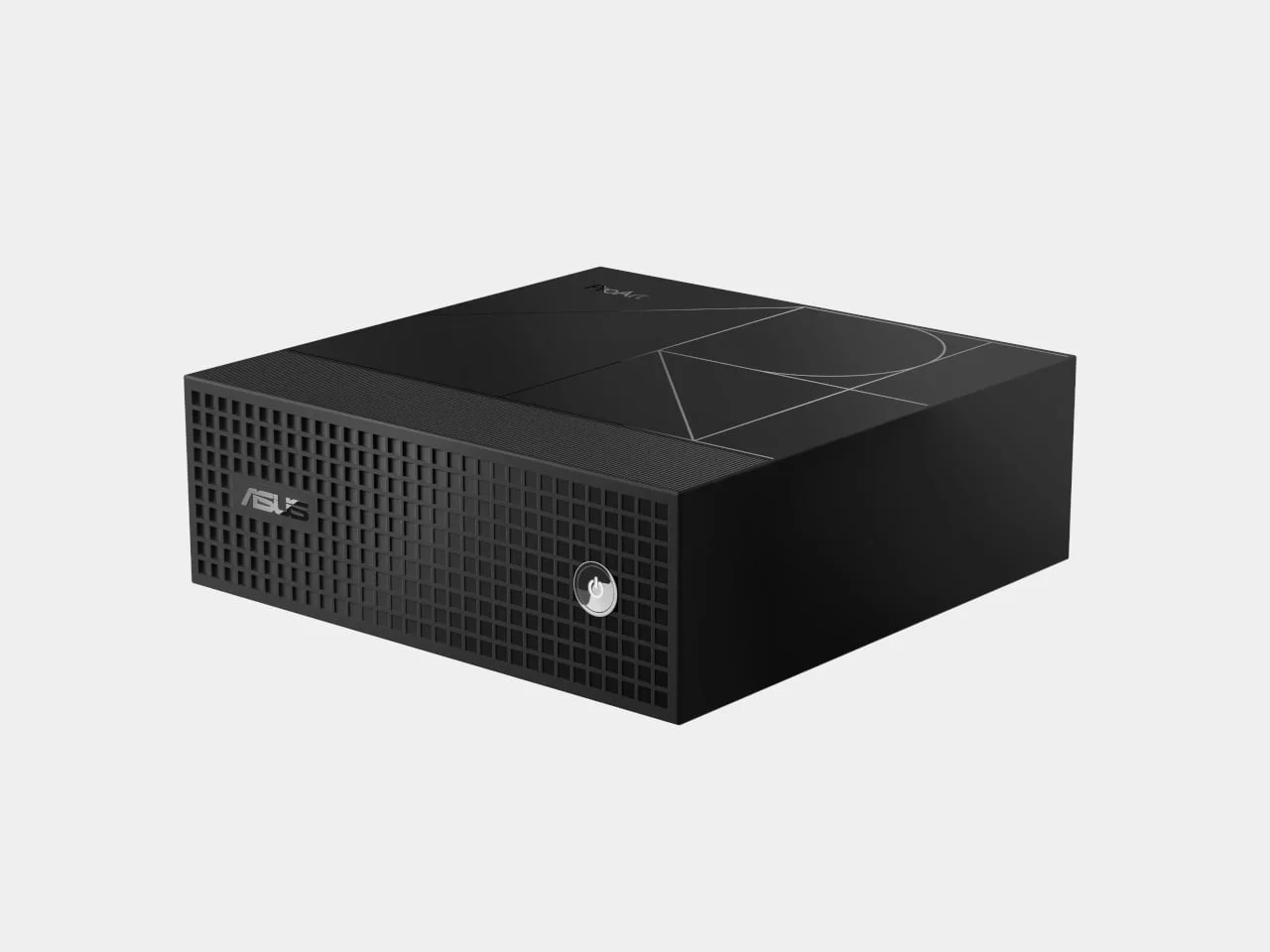
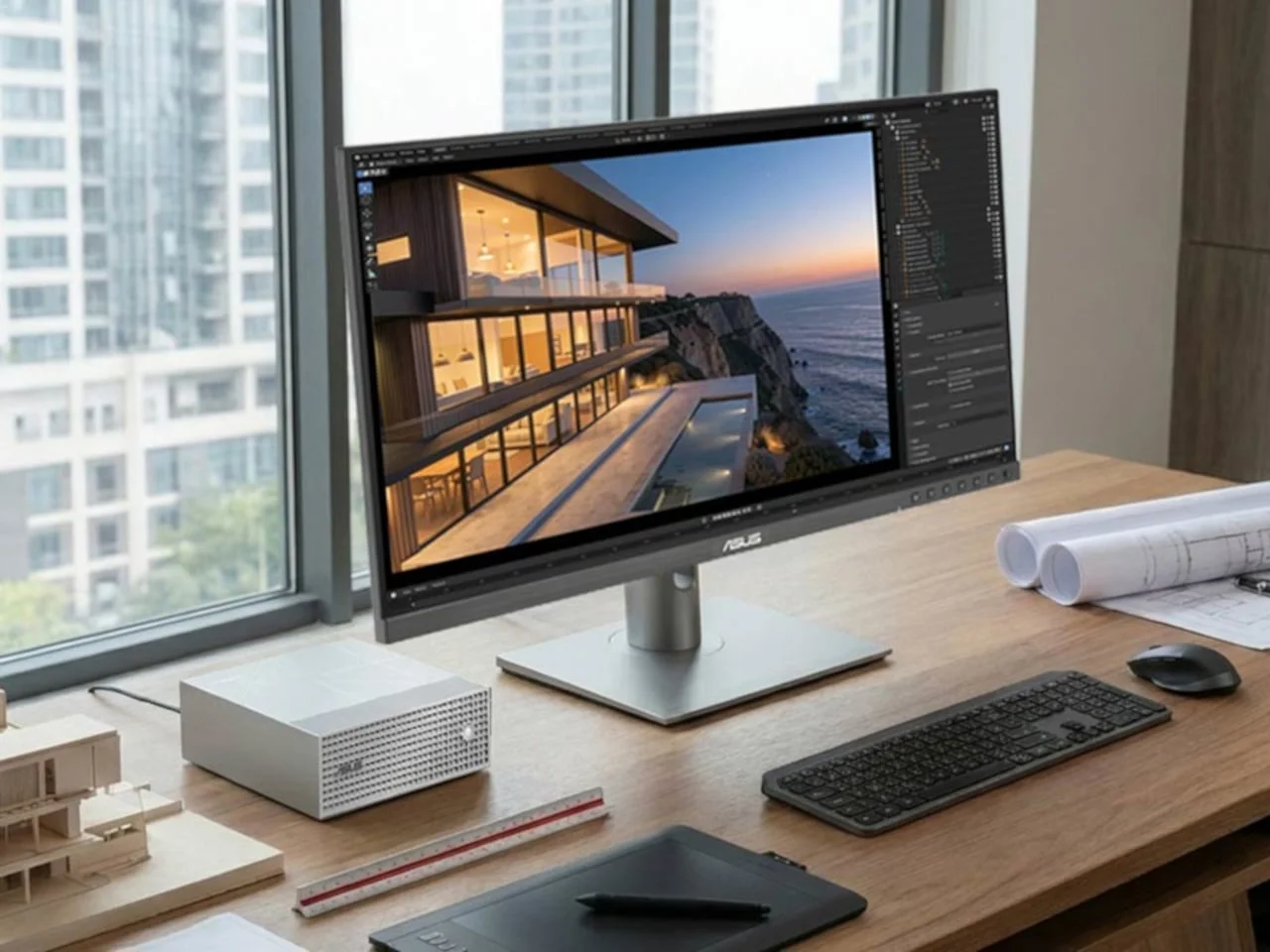
The chassis measures 5.91 inches on each side and stands 2.01 inches tall. It comes in anodized black or sandblasted silver, and fine geometric lines break up the top. The front grille uses a square pattern, and the circular power button sits inside that pattern instead of on a separate control panel. Here's the thing: a power button hidden in a grille only works if it's easy to find by feel. Most people will adapt quickly, but it's a design choice that trades a little convenience for a cleaner face. Still, a cube-like footprint is less about looks than about where the machine ends up. Footprint decides whether this sits beside a monitor or gets shoved under one.
Cooling for sustained load
ASUS fits two fans, four heat pipes, and 57 cooling fins inside the enclosure to handle a 140W thermal design. My read is that this matters more than the spec sheet suggests. The 140W figure tells you the most about how the machine behaves, and it's the number spec sheets tend to bury. The machine is meant to keep running while an assistant grinds through background tasks or a creative project pins the hardware. It won't be silent under that load, and you'll want clear space around the vents on a crowded desk.
Thermal headroom in a box this size is a trade. You get density, but you pay for it in airflow demands, and the fans become the part you live with. (and this is the part most people overlook) a compact chassis doesn't just move heat, it sets how much noise you'll tolerate over hours of rendering or inference. If you're planning to run a model overnight, test it in the room you'll actually use, not on a showroom bench.
Silicon and memory
NVIDIA's RTX Spark pairs a 20-core Grace CPU with a Blackwell RTX GPU carrying 6,144 cores. Buyers pick 64GB or 128GB of unified memory, shared between the two processors rather than split into separate pools. That's the detail to watch if you load large AI models or complex scenes. It's the difference between a workstation that copes and one that stalls.
Unified memory is a design choice worth understanding. Separate pools mean data often has to be copied between the CPU and GPU, while a shared pool avoids much of that shuffle. The trade-off is that the memory you configure becomes the ceiling for everything running at once. A model, a render, and a browser full of reference tabs all draw from the same well. That's why the 64GB versus 128GB decision isn't a minor upsell. It's the spec that decides how much you can run before you start closing things.
Local workflows, with caveats
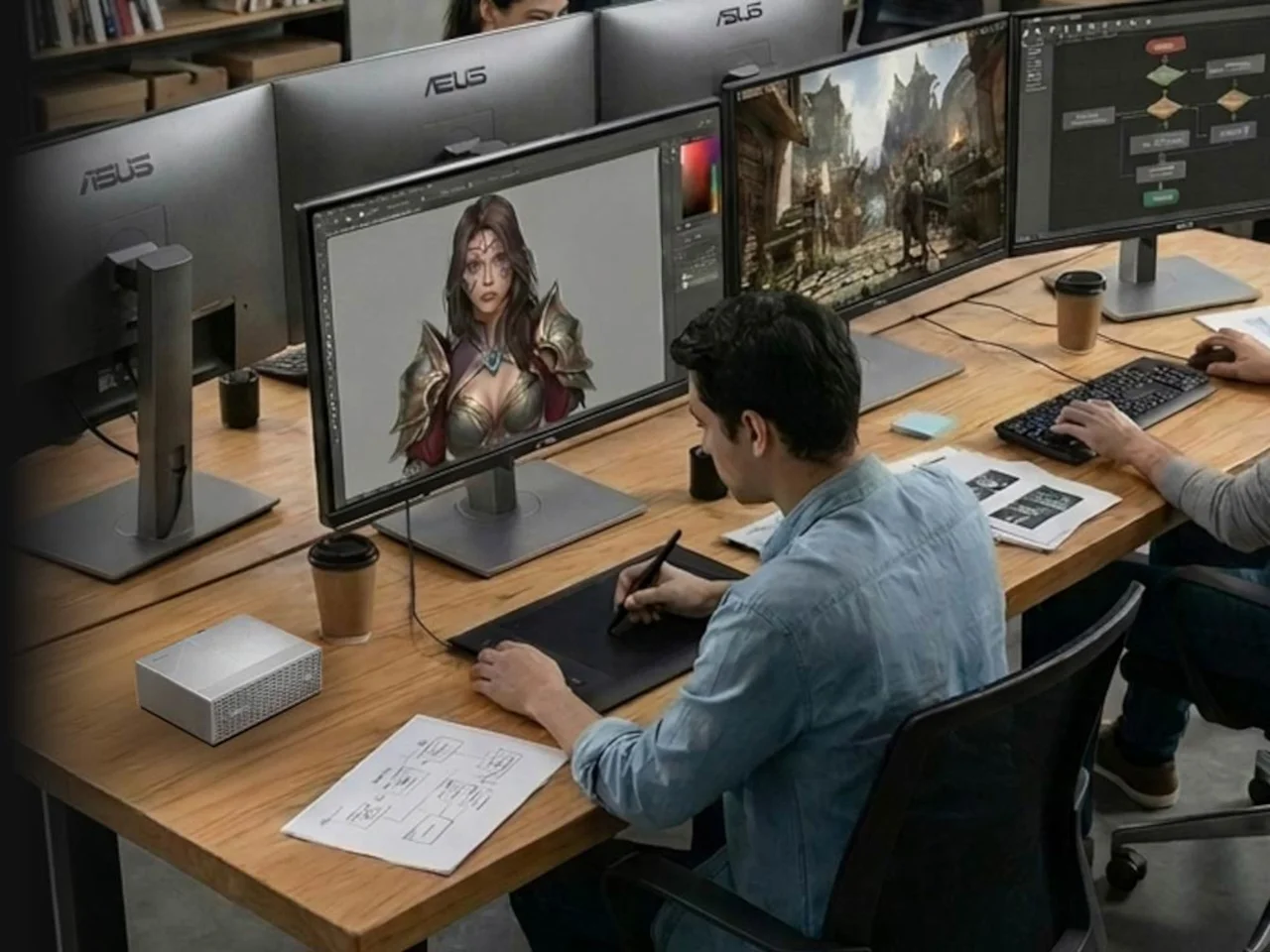
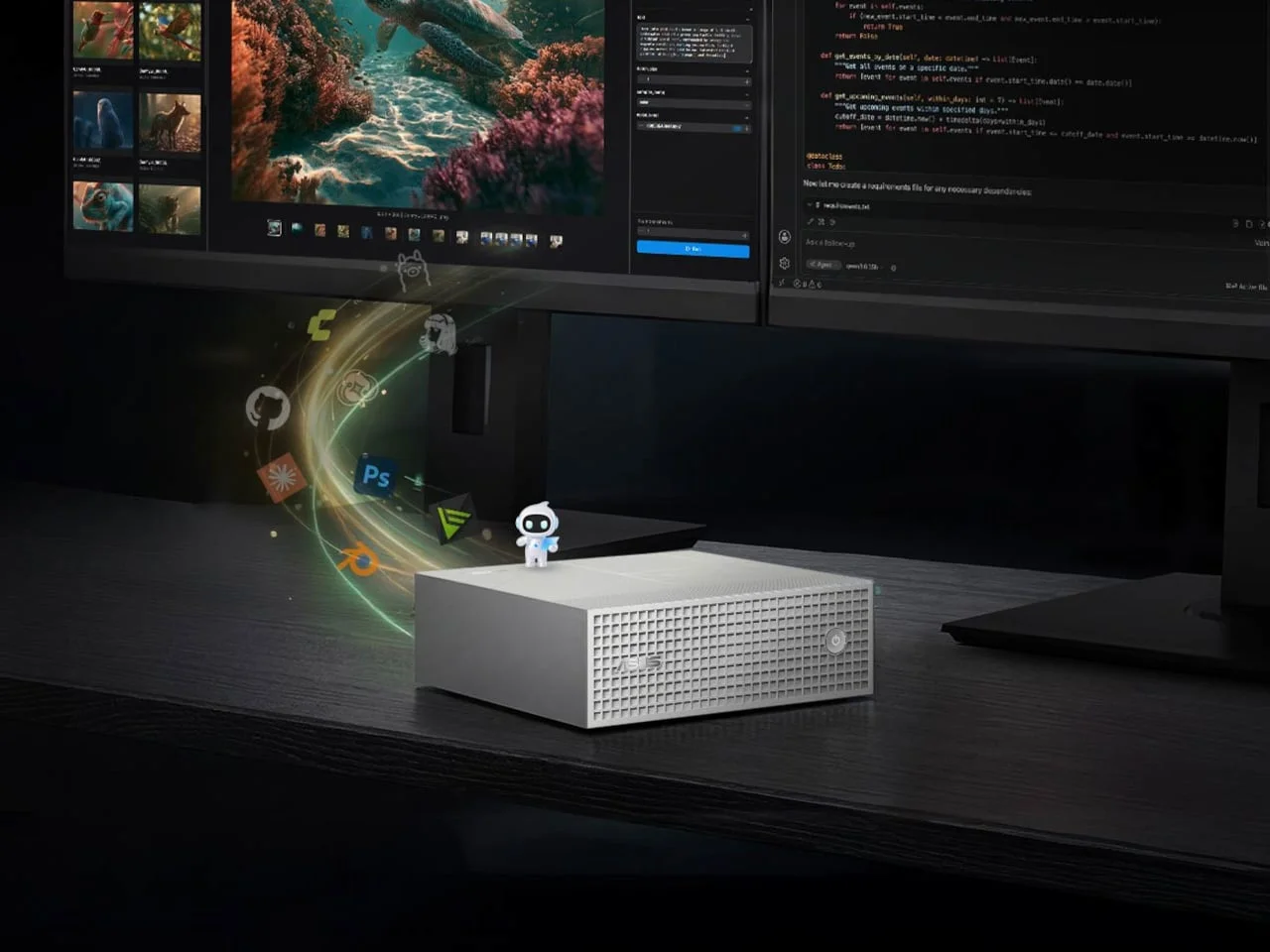
ComfyUI image pipelines and MuseTree for visual ideation both fit here. Pipeline tools like ComfyUI are built around chaining steps together, so they reward the memory headroom and sustained cooling more than a quick benchmark would reveal. Processing stays on the machine when the models and tools you choose run locally, which matters if you handle client material you'd rather not upload. Cloud-connected services are a separate question, and the answer depends entirely on how each tool is configured.
And while Windows 11 keeps the interface familiar, this is an Arm-based PC. That's the detail that bites people. Desktop software that's mature on x86 hardware isn't always mature on Arm, and niche plugins, drivers, or capture cards can be the first thing to break. Confirm that your specialist software and peripherals actually run on it before you commit. If you're working in this space, check your toolchain before you check the price.
Desk expansion and connectivity
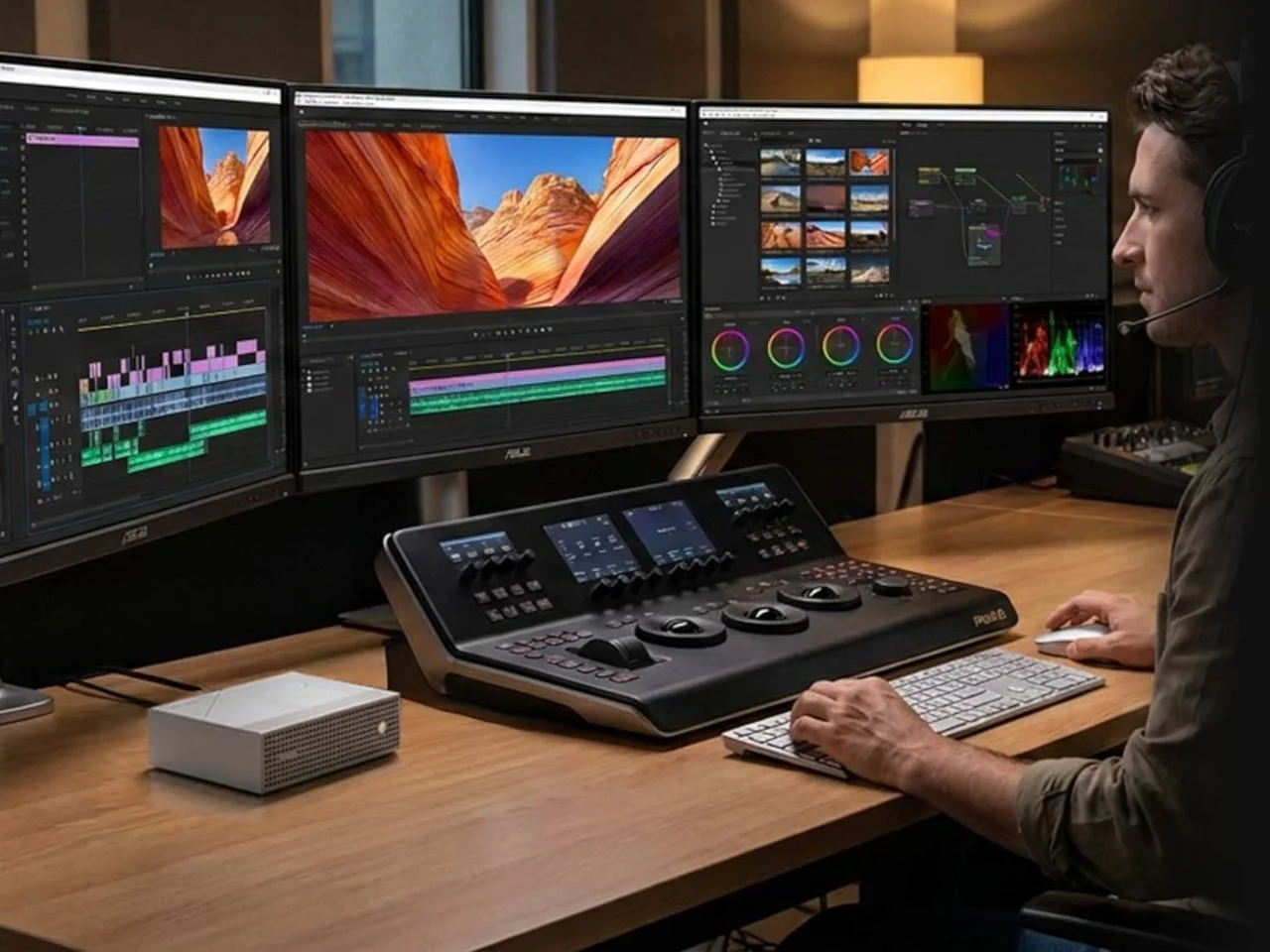
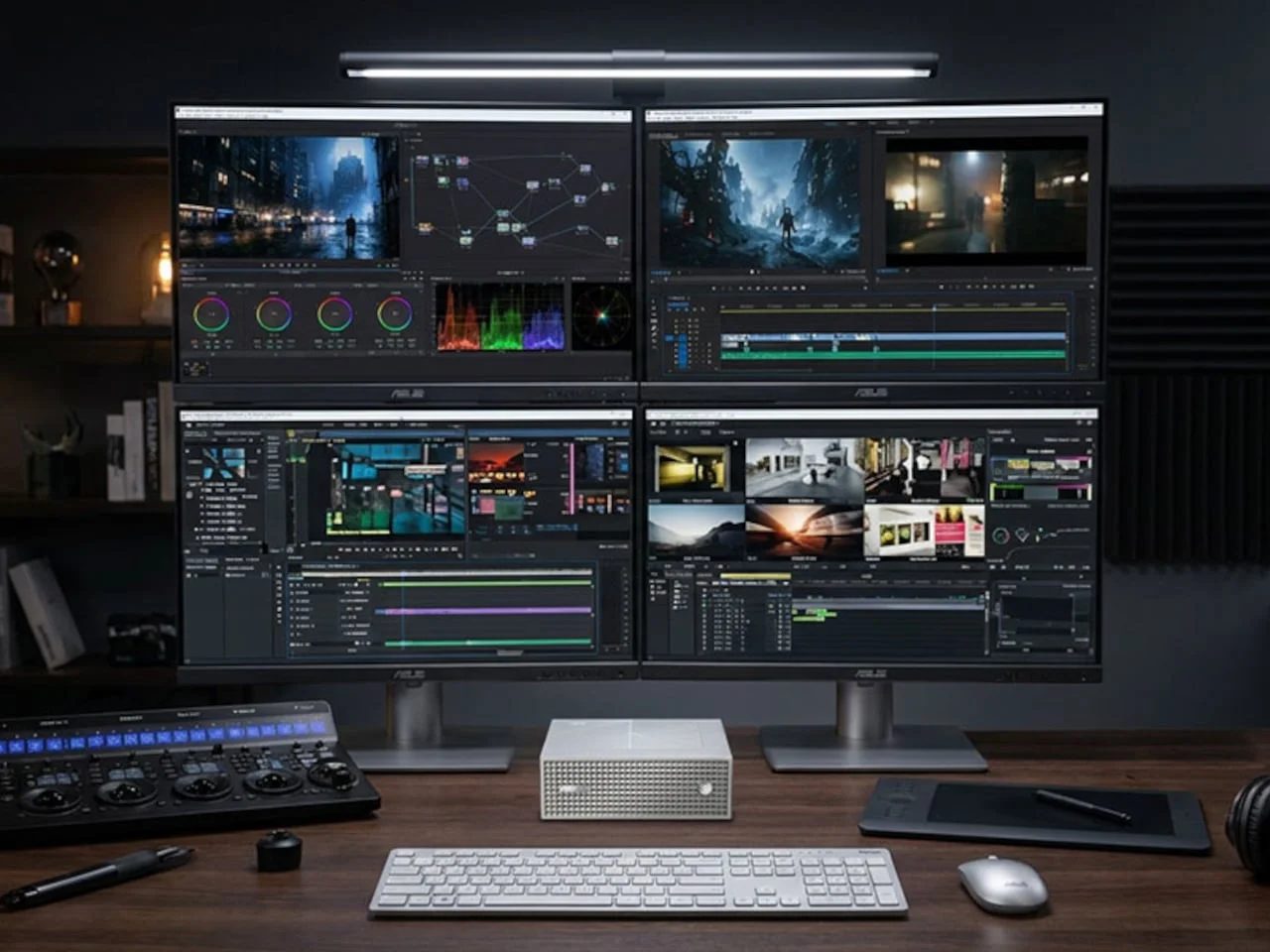
Four 4K displays over HDMI and three USB-C connections let a video editor split the timeline, preview, and reference material across screens instead of juggling windows. That's a real workflow gain for anyone who currently stacks everything on a single panel. Dual M.2 SSD slots handle storage growth, which matters because project libraries expand faster than most people plan for. 10Gb Ethernet gives you a wired path to compatible network storage for large file transfers. If you're moving big project folders around, that wired link is worth more than any wireless convenience.
What it leaves out
Every port sits on the back, which keeps the patterned front clean. But the fourth USB-C socket handles power, not another display. There's no USB-A port and no memory card reader. The tidy look is deliberate, and I respect the discipline. Still, a photographer back from a shoot will need an external card reader parked somewhere on that cleared desk, and USB-A peripherals will need an adapter or a hub.
Pricing and where it fits
US pricing starts at $4,499 for 64GB of memory and a 1TB SSD. That's a serious outlay for a mini PC, though with memory and silicon costs climbing, it's not a shock. Here's where I'd push back on the framing, though. Buyers at this price are usually comparing it against a high-end laptop or a traditional workstation, not against other mini PCs. The more practical pitch is pairing it with a laptop. Take the portable machine to the client meeting and let the GR1X keep a local assistant running at home base.
What this means going forward
Small desktops built for local AI are a sign that on-device inference is moving from hobbyist territory into everyday buying decisions. That's the bigger story here, and it's more significant than the chassis suggests. The GR1X is one bet on that shift, not proof that it has arrived. Whether this specific machine finds its audience depends on how quickly the software you rely on runs well on this hardware, and on whether the memory and cooling hold up under real production schedules rather than demo loads. Watch the Arm compatibility reports and the first sustained-load reviews. Those will tell you more than any launch-day spec sheet.



Discussion
Sign in to join the discussion.